The Basketball Dancing Speaker combines music, movement, and playful design in one fun audio experience. Featuring a creative basketball-inspired look with moving hands and legs, it supports wireless music playback and TF card music. Perfect for home entertainment, desk decoration, picnics, parties, and gift-giving, this unique speaker brings more energy, personality, and fun to everyday life.

Discover the Green Cup Dancing Speaker, a creative lifestyle audio product that combines wireless music, playful dancing movement and a built-in night light. With its unique design and moving hands and legs, it brings more fun and personality to parties, picnics and everyday home entertainment. More than a portable Bluetooth speaker, it also works as a decorative piece that adds a joyful touch to modern lifestyles.

Discover the Unicorn TWS Wireless Earphone, where cute style meets everyday convenience. Featuring a playful unicorn-inspired design, true wireless freedom, hands-free calling, and portable listening, these stylish earbuds add personality and fun to your music, entertainment, and daily life.

Face-changing cartoon Bluetooth mini speakers are redefining creative audio with a perfect blend of technology, personality, and fun. Featuring Bluetooth 5.1, hands-free calling, a 3W speaker, integrated night lighting, and four changing facial expressions, these compact speakers offer more than just music. With their cute character-inspired design and interactive features, they are ideal for young consumers, lifestyle spaces, gift markets, and social media-driven retail trends.

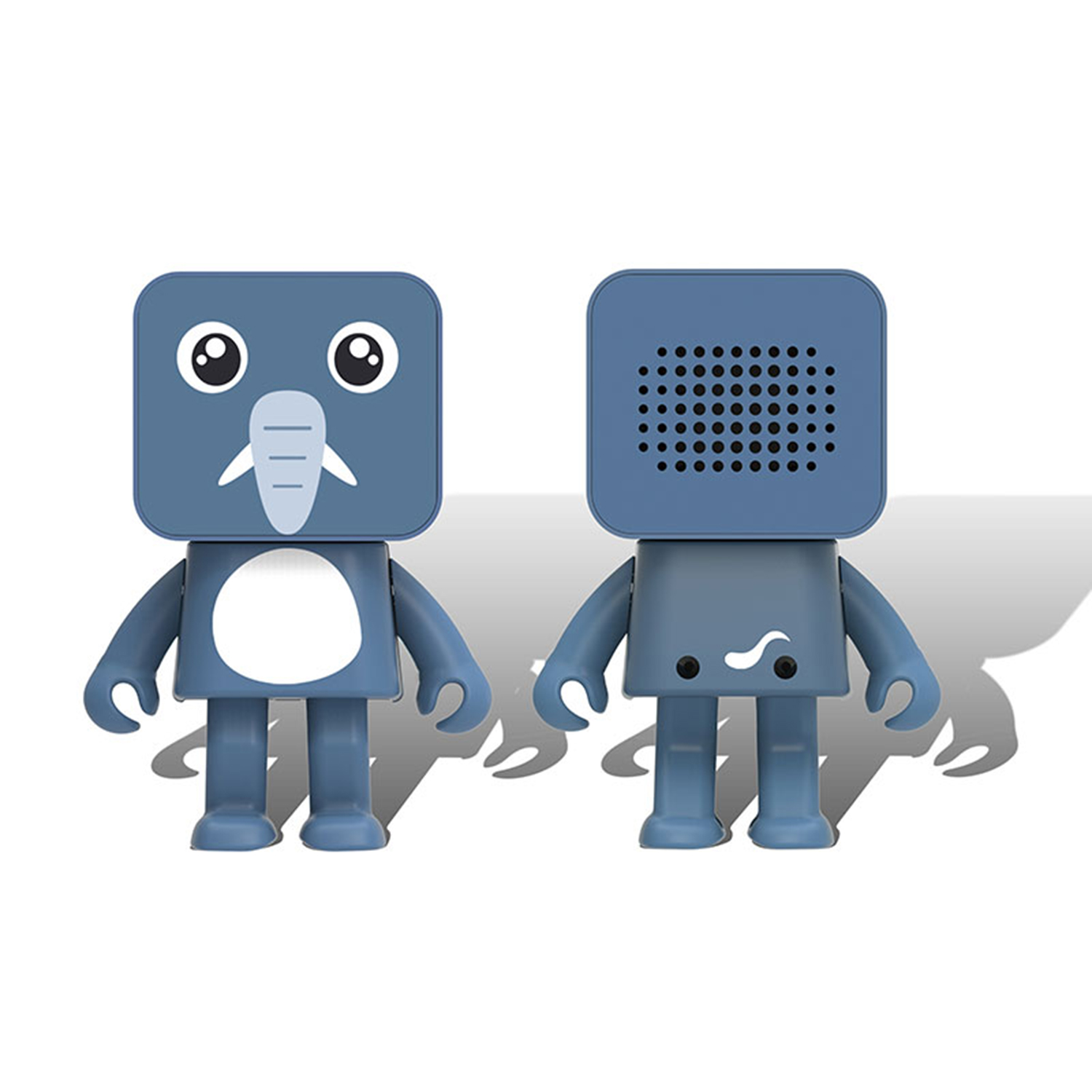
Small Square Animal Robot Bluetooth Speaker combines cute design, portable size, and smart wireless features. With clear sound, hands-free calling, and TWS connection, it is the perfect audio companion for home, travel, and gifts.
Nowadays, many friends don’t know how to use the mini cube speaker. Now let’s share with you the general steps. I hope to help you.
Tools: mobile phone and mini cube speaker
1. If you want to use your mobile phone to connect to your mini cube speaker, first make sure you have turned on your mini cube speaker, then go to the mobile phone to set up, accept and turn on the phone, find the phone's system settings, and click to enter the system settings.
2. Now you come to the system settings of the phone, you can see that there is a Bluetooth option in the system settings, click Bluetooth to enter the Bluetooth menu.
3. Now you come to the Bluetooth menu of your mobile phone, now directly turn on the Bluetooth switch to activate your mobile Bluetooth
4. After the mobile phone's Bluetooth is activated, it will automatically search for available devices, click on the search device below, and you can search for Bluetooth devices.
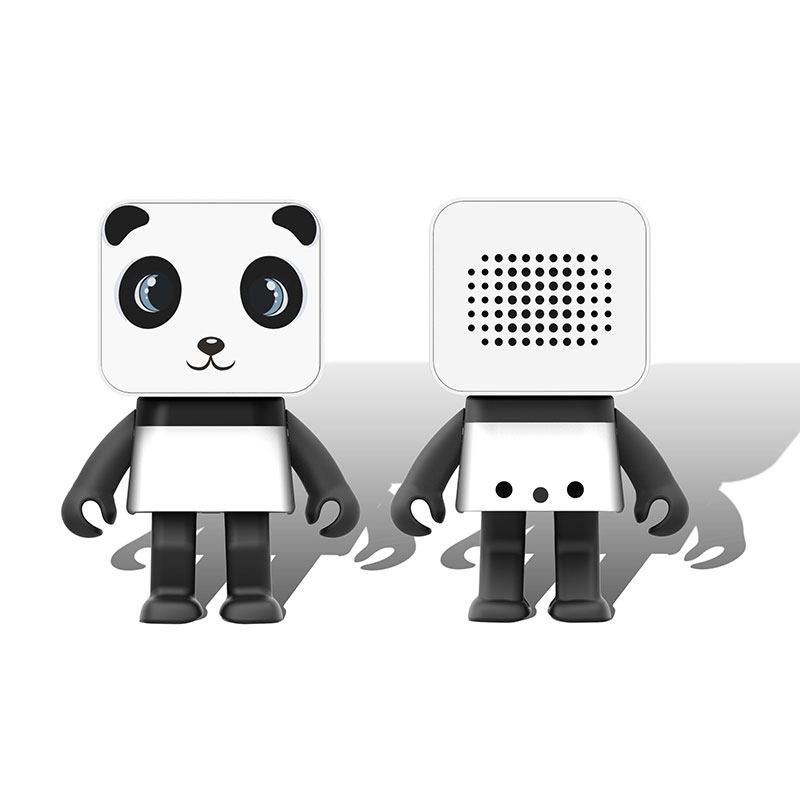
5. Find the MAC address of your mini cube speaker, you can see that there is a "Dancing Cup Speaker" and click to open it to enter the Bluetooth pairing.
6. After clicking pair, the software prompts that it is pairing, please wait patiently.
7. Now after a while, you can see that the mini cube speaker is successfully paired. The following shows that the device has been connected. After the successful connection, the mini cube speaker will also emit a beep to indicate that the connection is successful. Now you can try the effect.
8. Now go back to the phone desktop, find a music player, click to open the player.
9. Now you come to the music player, select a song for trial listening, click to enter the music library
10. Now come to the song list to listen to the song, and found that it is not your mobile phone but your stereo that is now sounding, and the sound quality is also good, indicating that your stereo and mobile phone are successfully connected, go and try!